Your phone camera is supposed to be ready the moment you need it, right up until it isn’t. One day, you’re capturing the kids blowing out birthday candles, and the next, every photo comes out soft and hazy, or the screen goes black the second you open the camera app.
If you’ve started searching for camera repair because your phone’s camera has suddenly stopped behaving, you’re in good company. Phone camera issues are one of the most common reasons people bring a device into a repair shop, and the cause isn’t always what you’d expect. Sometimes it’s a smudge on the lens. Sometimes it’s a software glitch that clears in seconds. And sometimes, it’s a genuine sign the camera module needs professional attention. Here’s what’s actually going on, the simple checks worth trying first, and when it’s time to book a proper camera repair.
Why Is My Phone Camera Suddenly Blurry?
Cases, Screen Protectors & Accessories
Dust & Fingerprints on the Lens
Dust and fingerprints matter more than most people realise. Repair specialists at iFixit note that debris sitting on the lens glass can blur photos or, in some cases, black out the camera feed altogether. A gentle wipe with a dry microfibre cloth, never a tissue, and never your shirt, is the first thing worth trying, and it’s often all that’s needed to avoid a camera repair altogether.
Stabilisation (OIS) Damage
If the lens is clean and the blur remains, the next suspect is optical image stabilisation. Most rear phone cameras rely on tiny gyroscopic sensors to counteract hand movement while you shoot. iFixit’s troubleshooting guides explain that a hard knock or repeated drops can damage this stabilisation mechanism, and when that happens, photos and videos often look like they’re constantly shaking, no matter how steady your hand is. That kind of fault usually points to a camera repair or replacement rather than a setting you can fix yourself.
Software Glitches
Software can cause blur, too. A camera app stuck mid-process, a recent update that resets a default setting, or too many apps competing for memory in the background can all affect focus. It’s worth force-closing the camera app and restarting your phone before you book a camera repair; it’s a five-minute check that rules plenty of cases out on its own.
Common Causes of a Black Screen Camera Issue
A black or blank preview when you open the camera app feels alarming, but Samsung’s official troubleshooting guidance is clear on this: in most cases, a black screen camera issue comes down to software, not a broken camera. The hardware is usually fine; something is just stopping the app from displaying what the sensor sees.
Permissions are a common trigger. If camera access has been switched off in your privacy settings, which can happen automatically after a software update, the app can open but show nothing at all. A quick check through your phone’s privacy or app permissions menu resolves this more often than people expect.
Other culprits include a corrupted cache, a conflict with a third-party camera or scanning app, or a background app that’s already using the camera sensor when you try to open it. Samsung’s support pages recommend testing the camera in Safe Mode, which temporarily disables third-party apps, as a way to isolate whether the problem is software-based or something deeper.
If the screen stays black even in Safe Mode, and a different camera app can’t access the sensor either,
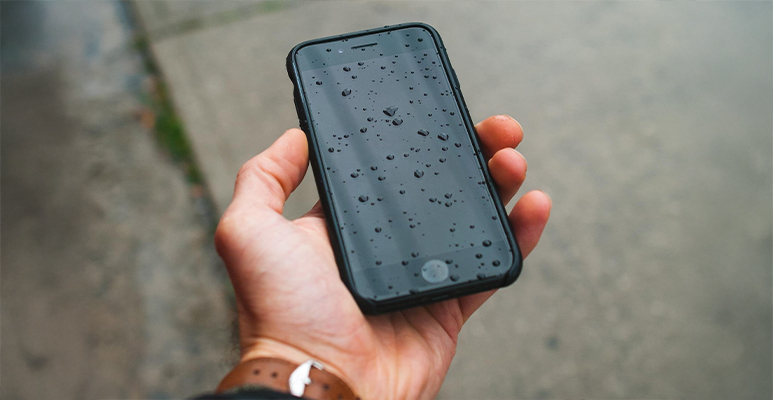
that’s a stronger sign of a hardware fault, a loose connector, a failed sensor, or damage from a drop or liquid exposure. Apple’s own support guidance recommends checking for condensation behind the lens if the phone has been near water recently, since even devices with a water resistance rating aren’t immune to internal moisture over time. If that’s what you’re seeing, it’s a clear sign to book a camera repair rather than keep troubleshooting on your own.
When “Phone Camera Not Working” Means a Hardware Problem
Cracked or Chipped Lens
Some signs point straight to hardware, no matter how much software troubleshooting you try. A visibly cracked or chipped lens is one. iFixit notes that a damaged lens surface will almost always need replacing rather than repairing, since scratches and chips scatter light in ways no software fix can correct. That’s the point where a camera repair, not another setting change, is the right move.
Rattling or Shifting Camera
A camera that rattles, clicks, or visibly shifts inside its housing is another sign. This usually means the small motor and magnets that control focus and stabilisation have come loose or been damaged, most often from a drop. Attempting a fix with a magnet, as some online guides suggest, is not recommended; both Apple and independent repair specialists warn that placing magnets near the camera assembly can interfere with other components inside the phone.
Only One Lens Affected
If only one camera on a multi-lens phone is affected, say, the ultra-wide works fine, but the main lens doesn’t, that’s a useful clue in itself. It usually means the fault sits with that specific camera module rather than the phone’s whole system, which often means a faster, cheaper camera repair.
Not Sure If It’s Software or Hardware?
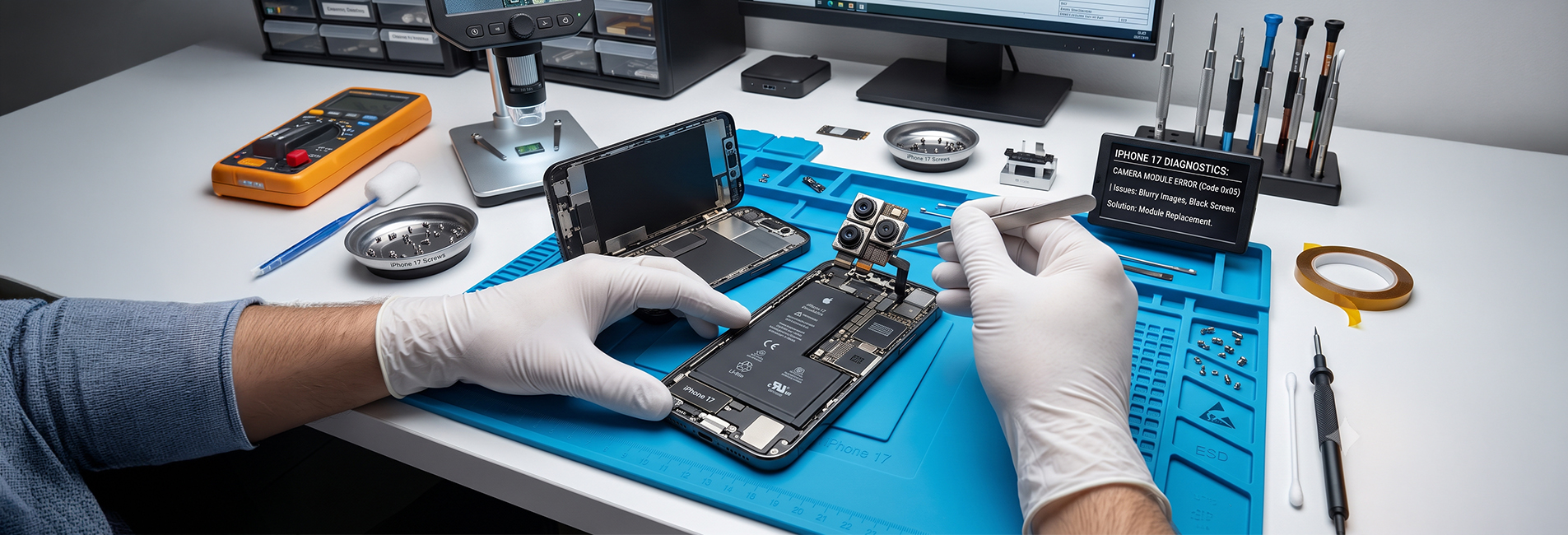
Guessing wastes time and can turn a simple fix into an expensive one. Our technicians run a full camera repair diagnostic while you wait, so you know exactly what’s wrong before you spend a cent.
Smartphone Camera Repair vs Phone Camera Replacement - What’s the Difference?
CAMERA REPAIR.
- Reseating a loose connector
- Clearing debris that’s worked its way past the lens seal
- Resetting a corrupted camera module
These are quick jobs for an experienced technician and don’t require new components.
CAMERA REPLACEMENT
- The lens is physically cracked
- The stabilisation motor has failed
- The sensor has stopped responding
- Water has caused internal corrosion
In these cases, the camera module, lens, sensor, and housing together are swapped out as a single unit.
Part quality matters here. Using genuine or high-grade compatible components keeps autofocus accuracy, colour reproduction, and low-light performance close to what the phone shipped with. A technician who properly diagnoses the fault before quoting, rather than replacing parts on a guess, will usually save you money, and often means a same-day camera repair instead of a multi-day wait.
Simple Fixes Worth Trying Before You Book a Repair
Before you book a camera repair, these six checks take a few minutes and solve a surprising number of phone camera issues on their own:
- Clean the lens: a dry microfibre cloth removes the fingerprints and dust behind most blur complaints.
- Remove the case and check for screen protector overlap: even a slight lip over the lens ring can cause shadowing or blur at wider zoom levels.
- Force-close and reopen the camera app: this clears temporary glitches without touching your photos or settings.
- Check app permissions: confirm the camera app still has camera access under your privacy settings.
- Update your software: camera bugs are often patched in routine updates.
- Test a different camera app: if the stock app fails but a third-party app works, the fault is software-side; if neither works, it likely isn’t.
If you’ve worked through all six checks and the problem is still there, that’s your cue to book a camera repair rather than keep guessing.
The Bottom Line
Most phone camera issues start small: a smudge, a setting, a background app holding onto the sensor. It’s worth trying the simple fixes first, because a surprising number of blurry photos and black screens clear up without any repair at all.
But when the basics don’t work, or you notice cracked glass, rattling, or a camera that behaves the same way no matter what app you try, that’s your sign to get it looked at properly rather than keep guessing.
If you’re around Cheltenham or the Westfield Southland area and need a phone camera repair, the team at Jazzy Mobiles can take a look, explain exactly what’s wrong, and quote you before any work begins.
Frequently Asked Questions
How can I tell if my phone camera issue is software or hardware?
Start with the basics: clean the lens, remove the case, restart the camera app, and try a different camera app. If the problem clears up, it was the software. If it persists across every app and after a restart, or you notice rattling, cracked glass, or visible shaking in your footage, it’s more likely hardware and worth booking in for a camera repair rather than continuing to troubleshoot.
Can a blurry phone camera be fixed without replacing it?
Often, yes. A dirty lens frequently causes blur, an obstructing case or lens film, or a software glitch, all of which can be resolved without new parts. Blur caused by a damaged stabilisation motor or a scratched lens surface generally does need a camera repair or replacement.
Why does my phone camera only show a black screen sometimes?
Intermittent black screens usually point to a software conflict, often another app briefly holding onto the camera sensor, or a permission setting that resets after an update. If it happens consistently across every app, including in Safe Mode, it’s worth having the hardware checked.
Is water damage to a phone camera always permanent?
Not always, but it depends on how much moisture reached the lens and sensor, and how long it sat there before the phone dried out and assessed. Condensation behind the lens is a common early sign. The sooner a water-affected phone is looked at professionally, the better the chance of a straightforward camera repair.
How long does a professional phone camera repair usually take?
It depends on the fault. A same-day camera repair is common for a software reset or a lens clean, sometimes while you wait. A full camera module replacement takes a little longer, since it involves opening the device and carefully fitting new components.
Still Having Trouble After the Basics?
If cleaning the lens, restarting the app, and checking permissions haven’t fixed it, the issue is likely sitting deeper. Booking a proper mobile camera repair now is almost always cheaper than waiting for it to get worse.