The latest iOS 26 update is iOS 26.6.2, released on 8 September 2026. It’s a small bug fix for a mobile-data software-update issue, not a new security release — the most recent security update is still iOS 26.6.1 from 17 August 2026. Apple says iOS 27 will be available in Australia from 15 September 2026. If you are staying on iOS 26, install 26.6.2; it takes minutes. If your iPhone feels slower, hotter or drains faster after an update, give post-update background activity time to settle; if the problem persists, check battery health, storage and charging hardware.
There’s a lot of “hidden features” content about this update that doesn’t survive a look at Apple’s actual notes. Here’s what shipped, what’s coming, and what to do when your phone behaves badly afterwards.
The current iOS 26 update is a bug fix, not a security release
Apple lists iOS 26.6.2 with a release date of 8 September 2026, for iPhone 11 and later. It’s a maintenance build shipped days ahead of a major version, fixing an issue that stopped software updates downloading over mobile data — Apple’s security releases page lists no fixes against it, so it isn’t a security update. The update before it, iOS 26.6.1 on 17 August 2026, was the substantive one. Reporting on that release lists patches across WebKit, Audio, ImageIO and the kernel. Before that, iOS 26.6 on 27 July 2026 carried security fixes plus a Spotlight index optimisation to prepare devices for iOS 27. So if an article promises you secret new features in a 26.6 point release, it’s either recycling last September’s iOS 26.0 list or it’s guessing.
None of that’s a reason to skip it. Security patches are the updates that matter most, because the vulnerabilities they close are public the moment the patch ships. Our guide to protecting your phone from threats covers why staying current is the single cheapest security measure you have.
The major feature update is iOS 27, arriving in Australia on 15 September
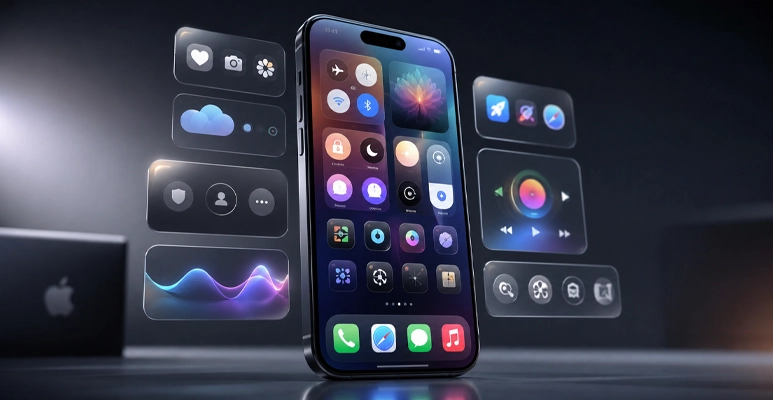
Apple announced iOS 27 at WWDC on 8 June 2026. Apple Australia says it will be available as a free software update from Tuesday 15 September 2026. These are the changes that will actually be visible on your home screen.
What changes | What it means day to day |
Siri and Apple Intelligence | New Apple Intelligence capabilities are arriving with iOS 27, with availability depending on the supported iPhone, language and feature. |
Visual Intelligence in Camera | Point the camera at something and get information back, with Siri integration. |
Photos editing tools | Upgraded Clean Up, Extend and Spatial Reframing for removing objects and recomposing shots without a third-party app. |
Parental controls | Time Allowances and expanded Communication Safety, replacing the old blunt Screen Time limits. |
Performance | Apple says iOS 27 includes performance improvements; results vary by device, app and workload. |
The compatibility list is unusually generous: iOS 27 supports every device that ran iOS 26, which means iPhone 11 and later plus iPhone SE (2nd generation and later). No model is dropped. That’s good news if you’re holding an older handset. It’s also where the battery problem starts: a five-year-old phone running brand-new software asks a lot of a five-year-old cell.
Do these four things before you tap Install
- Back up first, and confirm it finished. Not “probably backed up last week”. Our step-by-step backup guide works for updates as well as repairs.
- Free up storage. Settings › General › iPhone Storage. An update that can’t unpack itself will stall — and a stalled update is the most common way people end up in our store with a phone stuck on the Apple logo.
- Stay plugged in and on Wi-Fi. A worn battery can quit part-way through the install, which is a much worse problem than the one you started with.
- Do not update the morning you need the phone. Give it an evening, so background work finishes overnight.
iPhone Not Working Right After the Update?
Your iPhone feels worse after the update. Here is what is actually happening
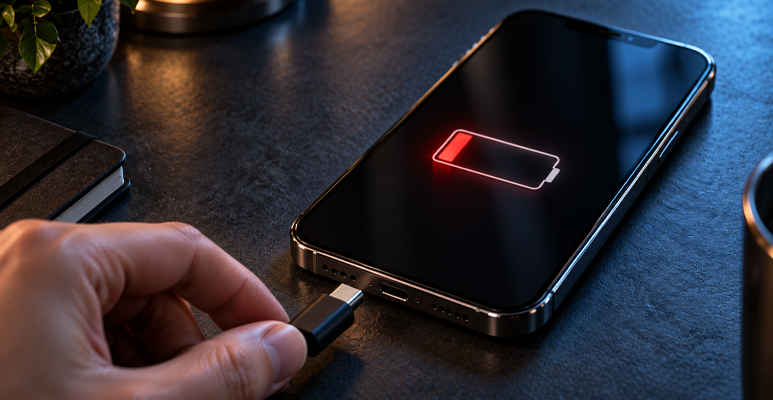
Apple lists post-update background processes among the standard reasons a battery drains faster than usual. After a major update the phone re-indexes photos, rebuilds Spotlight search and re-downloads app data. That work’s real, it’s heavy, and it runs for a day or two whether the screen is on or not.
So: give it a few days on a normal charging routine before you conclude anything. Most “the update ruined my phone” complaints sort themselves out in that window.
If the problem is still there after a few days, do not assume the update itself is the cause. Check battery health, available storage, app activity and charging behaviour; an ageing battery or another hardware issue may be contributing. Check Settings › Battery › Battery Health on iPhone 15 and later, or Battery Health & Charging on iPhone 14 and earlier. Apple says iPhone 14 and earlier batteries are designed to retain 80 per cent of original capacity at 500 complete charge cycles under ideal conditions, while iPhone 15 models and later are designed for 80 per cent at 1,000 cycles.
Three faults that get blamed on the update and are not the update
- A worn battery. By far the most common. The phone shuts down suddenly above 20 per cent, runs hot, or dies by mid-afternoon. Apple’s own service message for this is that the battery“is unable to deliver the necessary peak power”.
- A full storage drive. A phone with almost no free space is slow at everything, and an update makes it worse by adding files.
- A worn charging port or a cheap cable. The phone never quite reaches full overnight, so every day starts behind. It reads as a battery fault and is a much cheaper fix.
If you are working through drain specifically, our longer diagnostic guide on why a phone battery drains too fast walks through all seven causes and the ten-minute test that separates a settings problem from a hardware one. For the rest of the usual suspects, see our roundup of common iPhone problems and how to deal with them.
Conclusion: update the software, be honest about the hardware
The latest iOS 26 update is iOS 26.6.2, a quick bug fix worth installing if you’re staying on iOS 26 for now. Apple says iOS 27 will be available in Australia from 15 September 2026 and supports iPhone 11 and later plus iPhone SE (2nd generation and later). Back up first, free some storage and keep the phone connected to power and Wi-Fi during the update.
Temporary battery drain or warmth can occur after an update; if problems persist after a few days, check battery health, storage, app activity and charging hardware rather than assuming the update is solely responsible. Jazzy Mobiles repairs iPhone, iPad, Samsung, Google Pixel, OnePlus, Oppo and more at Westfield Southland in Cheltenham (03) 8351 5319 and Brimbank Shopping Centre in Deer Park (03) 9969 2490. Most repairs are done while you wait, and there is a mail-in option if neither store is convenient.