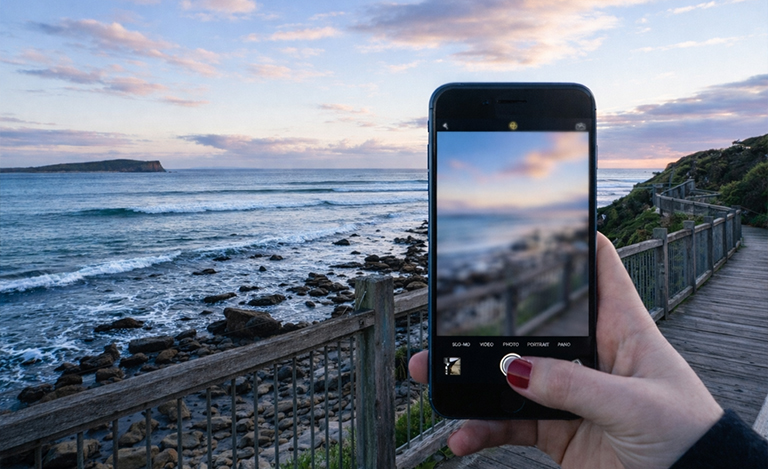
There is nothing quite as frustrating as pulling out your mobile to capture a perfect, fleeting moment, only to be met with a completely fuzzy screen. You tap the glass, wipe the lens, and move your arm back and forth, but the image remains stubbornly distorted.
This is an incredibly common issue for Aussies everywhere. You might be trying to snap a quick photo at the beach with friends, or simply attempting to scan a QR code menu at your favourite local cafe. When you notice your smartphone camera blurry, it usually stems from one of two things. It could be a simple external factor blocking the lens, or it might be a deeper software or hardware fault inside the device.
The good news is that you do not need to immediately panic or throw the device away. The purpose of this guide is to walk you through the exact steps to diagnose the issue and implement a reliable blurry phone camera fix. By following these troubleshooting methods or by hiring Jazzy Mobiles, you can save yourself unnecessary time, money, and stress.
Top Reasons You Need a Blurry Phone Camera Fix
Before jumping straight into solutions, you must identify exactly why the camera is acting up. Understanding the root cause of a smartphone camera blurry issue makes solving it much easier.
- Dirty lenses – Dirty lenses are the most frequent culprits. The natural oils from our hands, pocket lint, or fine dust easily smear the protective glass covering the lens. Because smartphones travel everywhere with us, they constantly gather grime. This is nearly always the main reason for a smartphone camera blurry complaint.
- Software glitches – Software glitches also cause endless headaches. Sometimes the device’s operating system or the camera application simply gets stuck. This results in the phone camera not focusing, no matter how steady you hold your hand. Background apps can unexpectedly interfere with the camera’s auto-focus sensors, locking the lens in a blurred state.
- Physical damage – Physical damage is the final, and most serious, category. Scratched outer glass, cracked internal lenses, or moisture trapped underneath the casing are clear signs of trouble. These physical faults are common culprits for a persistent phone camera focus problem that will not go away with a simple restart.
Simple Steps to Fix Blurry Photos on Phone Devices
1. You should always start with the easiest, most accessible blurry camera issue fix: cleaning the lens. Grab a proper microfibre cloth, the kind you use for reading glasses, and gently wipe the camera area. Avoid using your shirt or a rough paper towel, as these materials can cause permanent micro-scratches on the glass.
2. Try the classic “tap to focus” technique. Open your camera app and manually tap the screen on the subject you want to capture. Tapping forces the lens to recalibrate. This is often all it takes when you have a minor camera not focusing on a phone issue.
3. Finally, consider removing your phone case or screen protector. Bulky cases and poorly designed protectors can physically obstruct the lens or block the laser autofocus sensor. Blocking these vital sensors regularly leads to a frustrating phone camera focus problem. Take the accessories off and test the camera again to see if the image clears up.
Software Troubleshooting for Camera Issues
If the glass is perfectly clean and the case is removed, you need to look at the software. Start by force-closing the camera app entirely and restarting your mobile phone. A hard restart clears out temporary memory glitches that are often responsible for a phone camera not focusing error.
Resetting Settings as a Blurry Phone Camera Fix
If a restart fails, try clearing the camera app’s cache. For Android users, navigating to your app settings and clearing this stored data serves as an excellent, quick blurry camera issue fix. iPhone users can achieve a similar result by resetting all settings (without deleting personal data).
Do not forget to update your phone’s operating system. Manufacturers regularly release software patches specifically designed to fix blurry photos on phone devices caused by known bugs. Check your settings menu for any pending updates and install them immediately.
You can also test the camera with a third-party application, such as Instagram or WhatsApp. If the camera works perfectly fine within Instagram, your native camera app is experiencing a software bug. If the image is fuzzy across every single app you open, you are likely dealing with a hardware issue.
Hardware Solutions & Professional Repairs
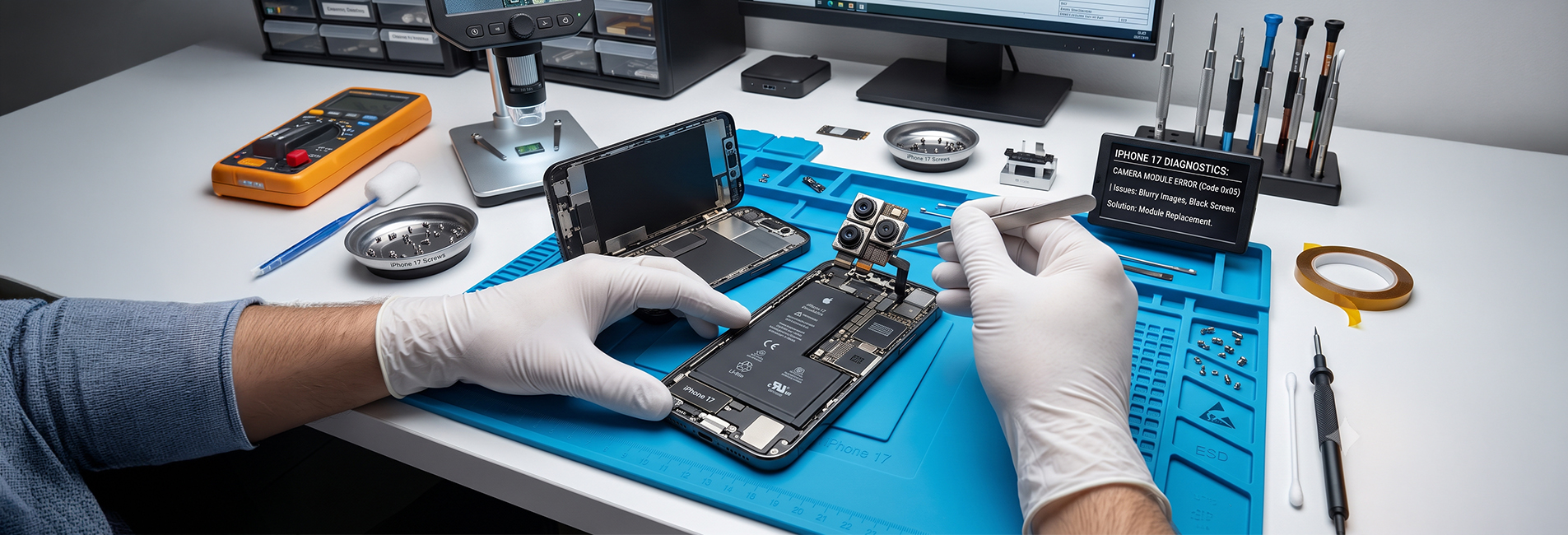
Modern smartphones rely on complex internal mechanics to take sharp pictures. One critical component is optical image stabilisation (OIS). When OIS fails, the lens cannot steady itself. A rattling sound coming from the camera module or a visibly vibrating lens usually means the internal hardware is broken. This leads to a severe phone camera focus problem that requires physical repair.
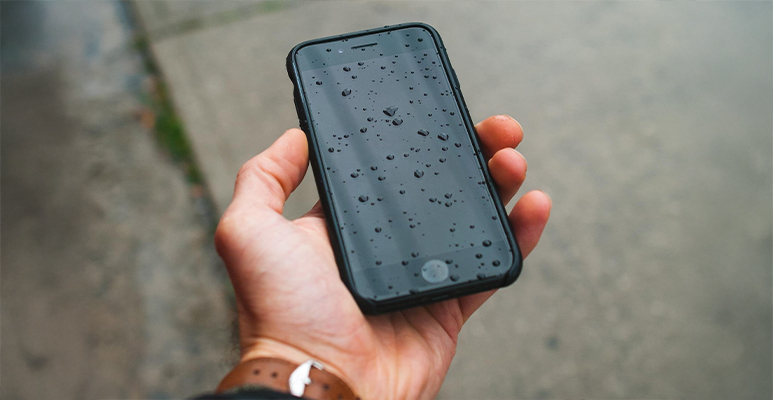
Water damage is another major hardware killer. If you can see condensation or water droplets trapped inside the lens glass, turn the device off immediately. Do not put the phone in a bag of rice, as dust particles will only cause further internal damage. The device needs to be carefully opened and dried by a professional technician.
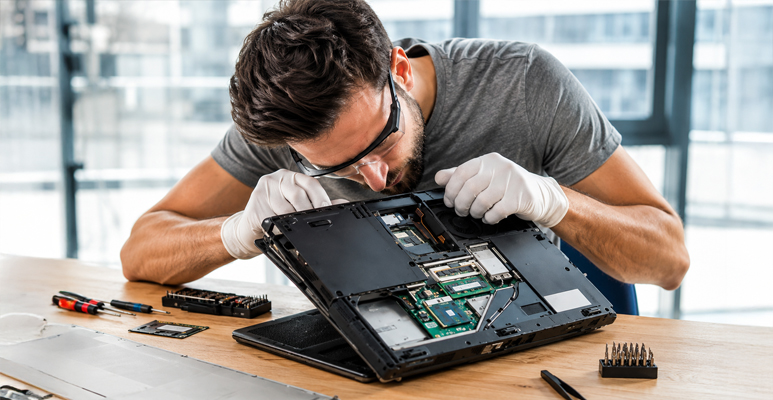
Ultimately, if software tweaks and cleaning do not work, seeking an expert blurry camera issue fix is the safest route. Attempting to pry open a modern smartphone at home can easily cause permanent damage to the delicate motherboard.
Fix Your Blurry Camera with Jazzy Mobiles
If you need a permanent blurry camera issue fix, bring your device to Jazzy Mobiles today or contact us online for a free quote. We’ll fix your device just like new!
Conclusion
A blurry phone camera can feel frustrating, but in most cases, the solution is simple and within your control. By identifying whether the issue is caused by dirt, software glitches, or hardware damage, you can take the right steps to fix it quickly. If you need professional help, get in touch with Jazzy Mobiles. We help in fixing the issues professionally without any hidden prices. So, why wait? Contact us today via phone or email.
FAQ's
Why does my camera focus and then immediately go blurry?
This frustrating loop is often caused by the camera rapidly switching between its standard and macro lenses. As you move closer to a subject, the software gets confused about which lens to use. You can suggest turning off the “Auto Macro” feature in your camera settings to quickly fix blurry photos on phone devices.
Can a screen protector cause my camera not focusing on phone issues?
Yes, absolutely. Cheap, scratched, or misaligned glass protectors easily block the proximity or autofocus sensors. Even microscopic dust trapped underneath a rear camera protector can leave your smartphone camera blurry. Removing the protector is the fastest way to rule this out.
How do I know if I need a software update or a hardware replacement?
You can run a simple diagnostic test. If you experience the camera not focusing on the phone only in certain downloaded apps, it is a software conflict. However, if the lens is physically cracked, vibrating uncontrollably, or completely fuzzy across all applications even after a factory reset, you require a hardware replacement.